Turning my wall into a computer with a projector and my phone
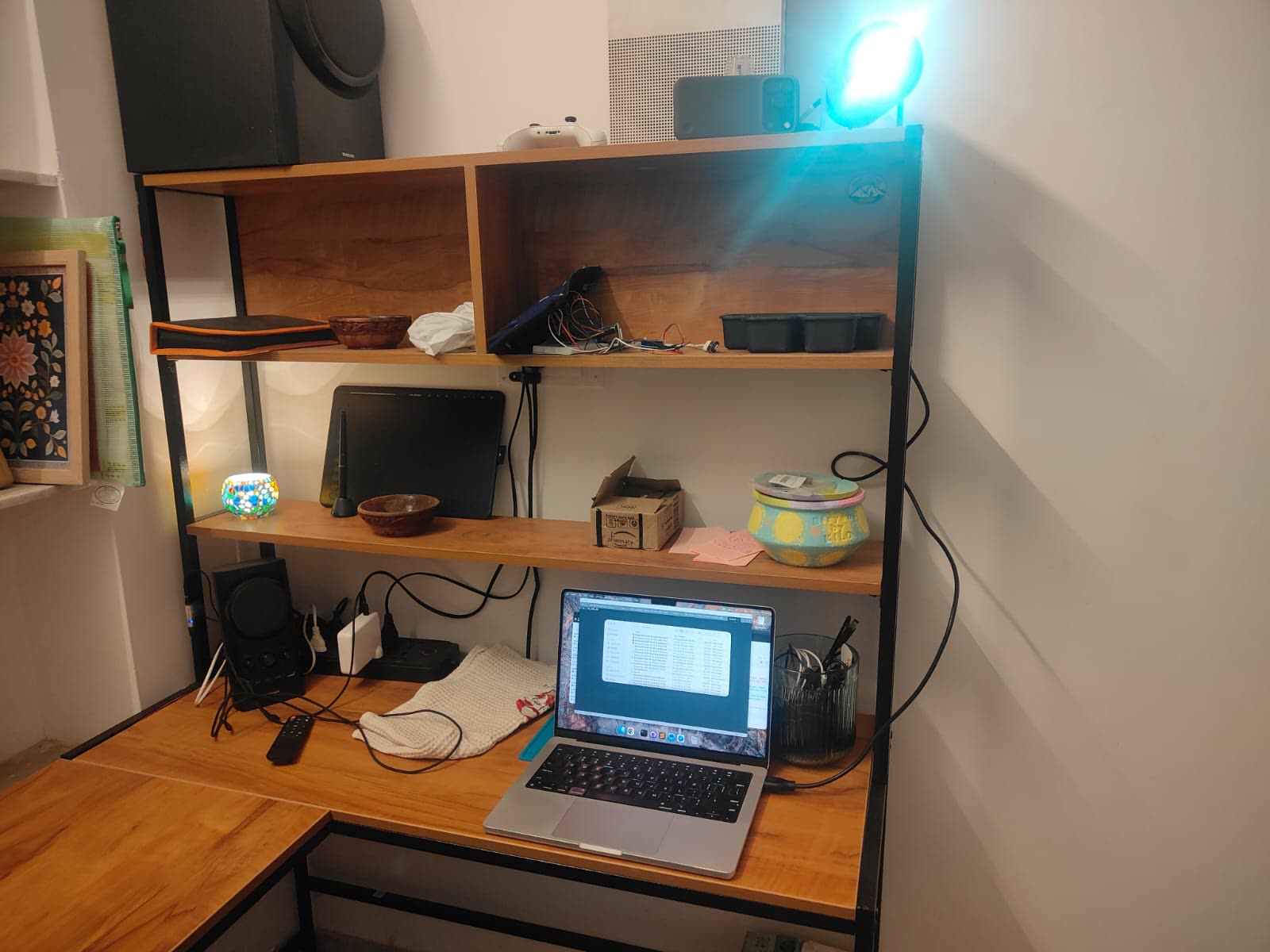
A working prototype of the Lightbulb Computer, built from a projector, an iPhone and a MacBook.
I came across the Lightbulb Computer - a concept for a computer shaped like a big lightbulb. It projects onto your walls and tables, watches through a camera, and you use it by pointing and talking. No screen, no glasses.
This project is entirely inspired by it. I wanted to see how close I could get with what was already on my desk.
The setup
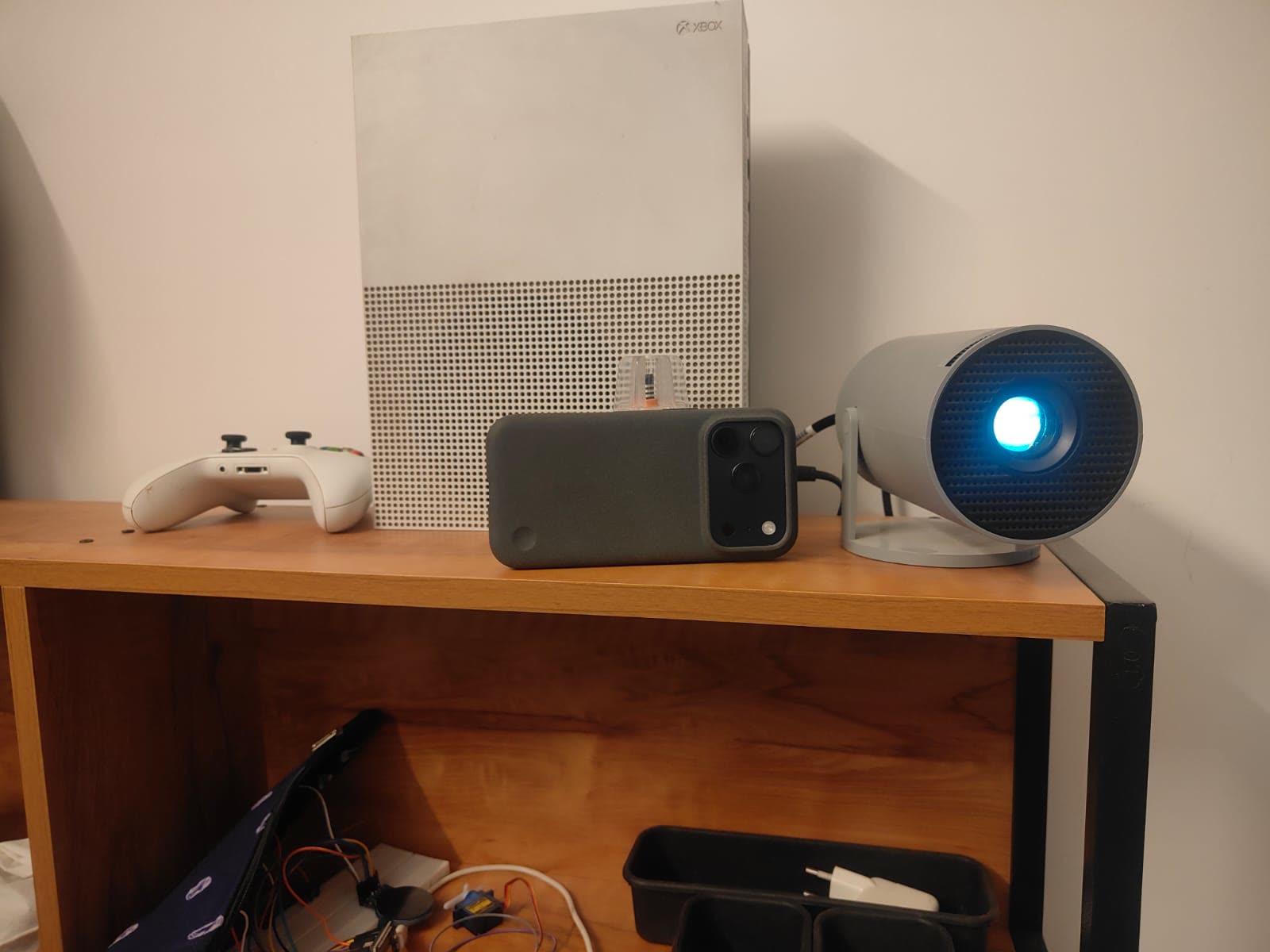
- A small portable projector, pointed at the wall
- My iPhone right next to it, used as the camera (macOS Continuity Camera - no app needed)
- My MacBook running everything
How it works
1. Teach the camera where the projection is. The projector flashes 9 white squares on the wall, one at a time, and the camera finds each one. That’s enough to work out which projector pixel lands on any spot the camera sees.
2. Find my finger. A hand-tracking model (Google’s MediaPipe) finds my fingertip in the camera image. Using step 1, the projector draws a small ring right on top of it. Hold your finger still on a button for under a second and it clicks.
3. Talk to it. “Lightbulb, set a 5 minute timer” puts a timer on the wall instantly. Anything open-ended - “what is this?”, “show me a map of Udaipur” - goes to an LLM along with a photo from the camera, and the LLM decides what to put on the wall.
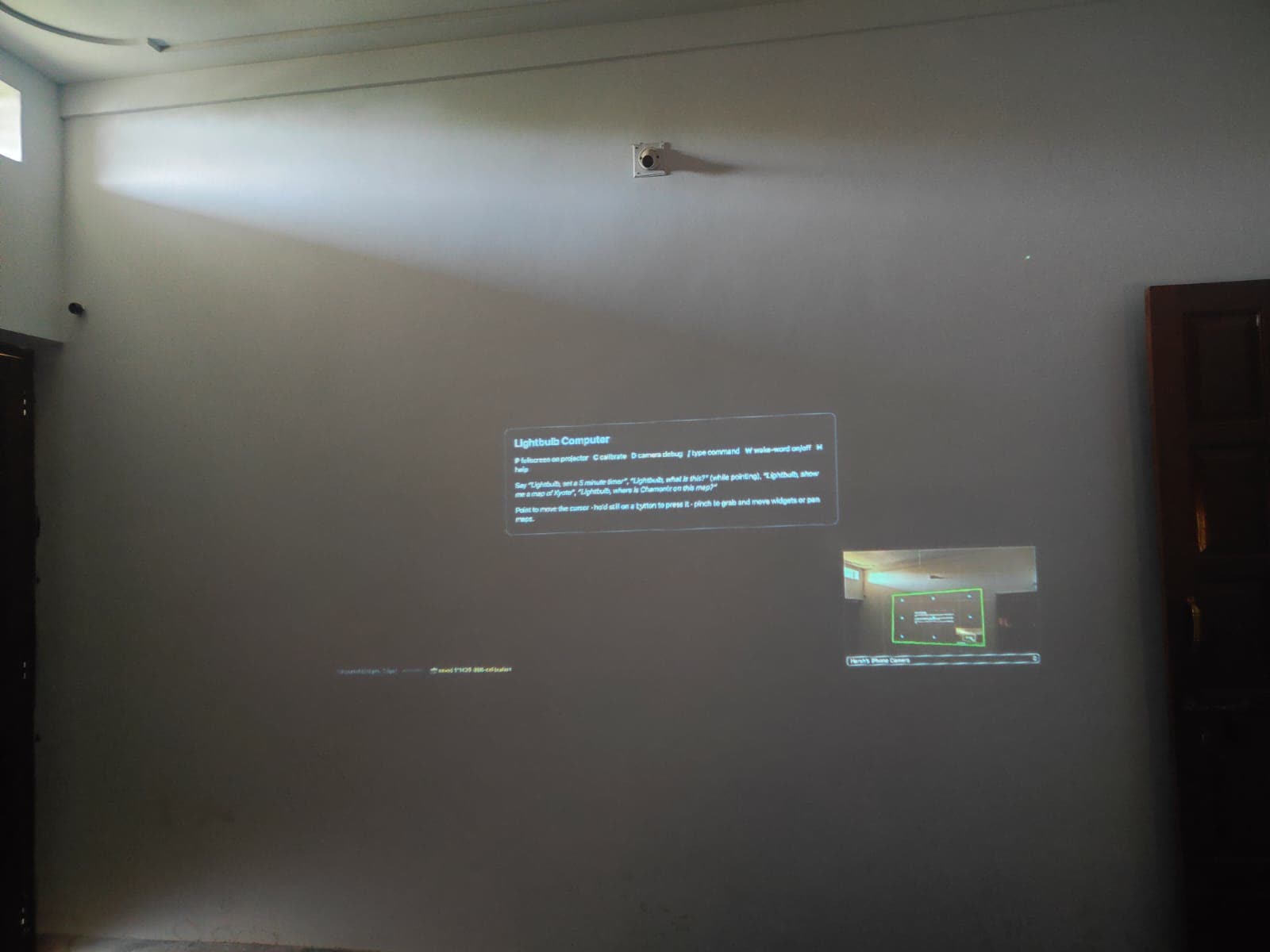
The demo
What broke along the way
- Chrome can’t see the iPhone camera on a Mac. Safari can. That one cost me a while.
- My hand was too small. From across the room my hand was about 40 pixels wide in the camera image, and the hand model found it in 0 of 12 frames. Zooming into the area around my hand fixed it: 12 of 12.
- Daylight washed out the calibration. Bigger squares, and comparing each one against a frame taken just before it, fixed that.
- Voice stopped working when I stood at the wall. From across the room, the laptop’s mic heard me about 23 dB quieter than the iPhone’s mic sitting right next to me. Up close to the laptop, it worked fine.
What I took away
The AI was the easy part. Understanding “put a timer here” or “what am I pointing at” needed no special work. Everything that went wrong was physical: light, distance, and where the camera sits.
You can find the vibecoded app here on GitHub. A wall is already a screen and a phone is already a good enough camera - the computer was mostly glue.
Credit: the idea, the name and the interactions all come from lightbulbcomputer.com. This is just my quick attempt at building a rough version of it.